
This article describes a Transaction Signature example for Node.js (Express). Runnable source: ../clients/nodejs-express/.
Also see Administration Service setup and Transaction Signatures Integration Guide.
A single-file Express server that does the whole flow: form → POST /prepare → redirect to the DA signUrl → user signs with Mobilt BankID (the text is shown in their BankID app) → DA redirects to /sign-done → fetch + verify the signature and display it.
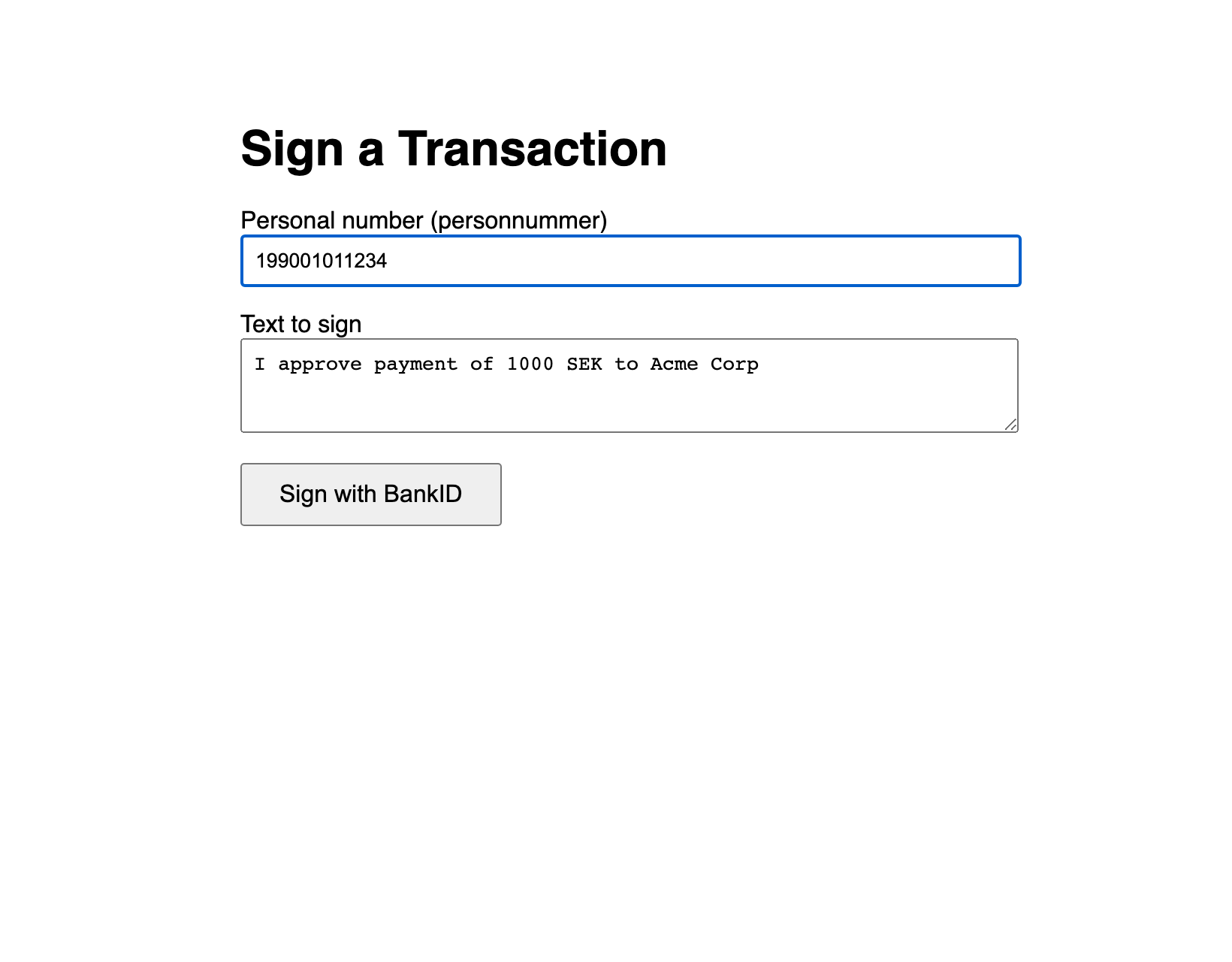
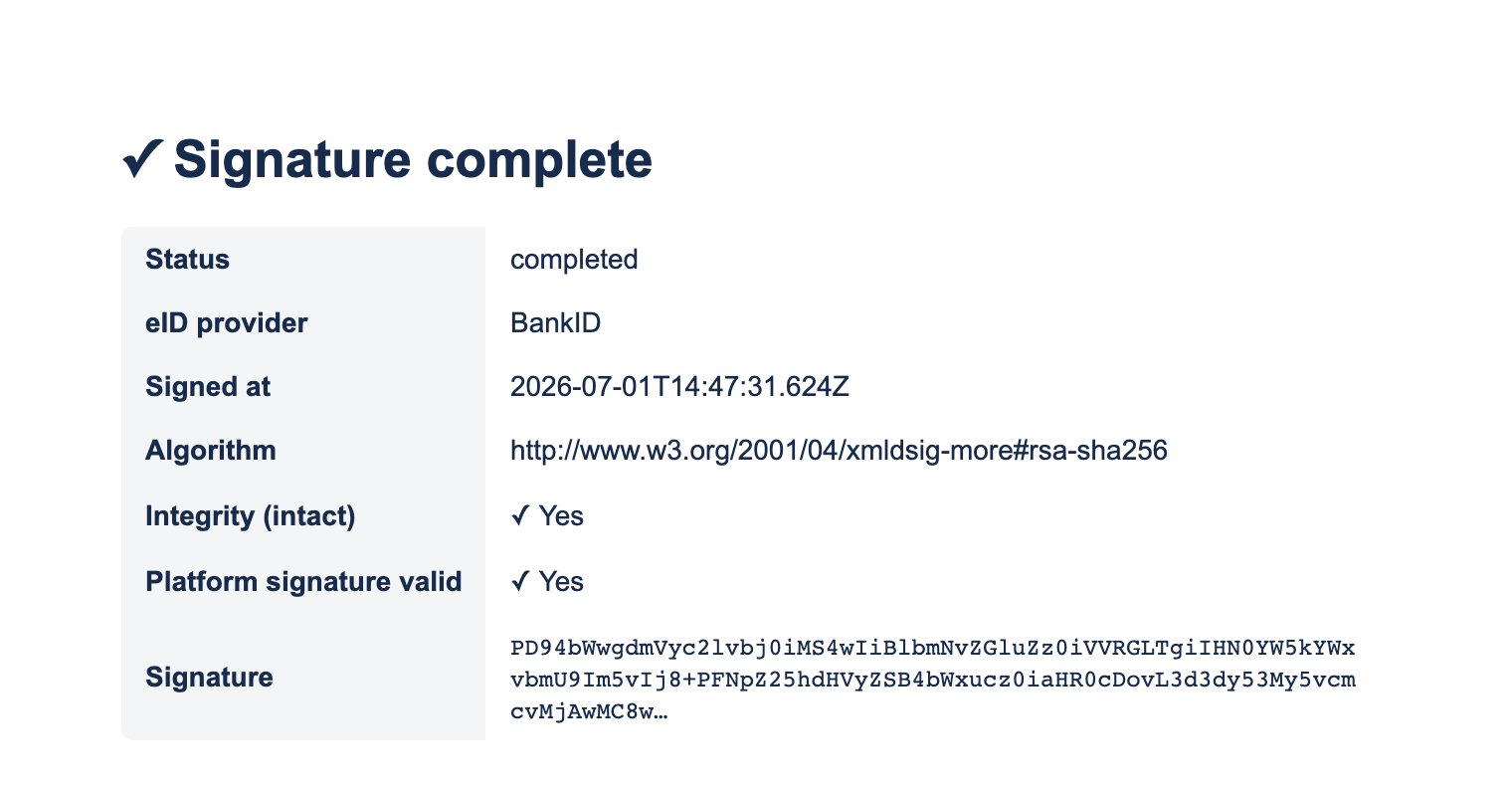
This page shows the key parts; the complete, verified file is ../clients/nodejs-express/server.js.
Files
nodejs-express/
  server.js        <-- the whole app
  package.json
  .env.example     <-- copy to .env and fill in
Setup
npm install
cp .env.example .env      # then edit .env
node server.js            # http://localhost:3000
.env:
DA_BASE_URL=https://oidc.lagerberget.se     # the Access Point DNS for Transaction Signatures
DA_CLIENT_ID=your-client-id
DA_CLIENT_SECRET=your-client-secret
APP_URL=https://your-app.example.com        # public HTTPS origin; returnUrl = APP_URL + /sign-done
PORT=3000
Key code
Token (cached; expires_in is seconds, for example 600, so refresh early):
const res = await fetch(`${API_BASE}/oauth/token`, {
  method: "POST",
  headers: { "Content-Type": "application/x-www-form-urlencoded" },
  body: new URLSearchParams({
    grant_type: "client_credentials",
    client_id: DA_CLIENT_ID,
    client_secret: DA_CLIENT_SECRET,
    scope: "transaction_sign",
  }),
});
const data = await res.json();
token = data.access_token;
tokenExpiresAt = Date.now() + (data.expires_in - 60) * 1000;
Prepare + redirect (returnUrl must be HTTPS and a registered redirect URI):
const tbsData = Buffer.from(text, "utf-8").toString("base64");
const result = await daApi("POST", "/sign/prepare", {
  tbsData, userId, returnUrl: `${APP_URL}/sign-done`,
});
res.redirect(result.signUrl);   // absolute URL on the eID access point
Callback: fetch and verify (/sign-done?status=completed&id=...):
const sig = await daApi("GET", `/sign/signatures/${id}`);
const ver = await daApi("GET", `/sign/verify/${id}`);
// display sig.status, sig.eidProvider, sig.createdAt, sig.signatureAlgorithm,
// ver.intact, ver.platformSignatureValid, sig.signatureValue
Remember
-
Publish the OAuth2 client in DA admin, or
/oauth/tokenreturns 401 and/sign/preparerejects yourreturnUrl. -
returnUrlmust be HTTPS, a registered redirect URI, and notlocalhost(a real host or IP works). -
The user picks Mobilt BankID; the text (
tbsData) is shown in the BankID app via the SAML SignMessage, and is embedded in the returned signature asusrVisibleData.