
This article describes a transaction signatures example for Python (Flask). Runnable source: ../clients/python-flask/. Also see Administration Service setup and Transaction Signatures Integration Guide.
A single-file Flask server (server-rendered HTML, no JavaScript required).
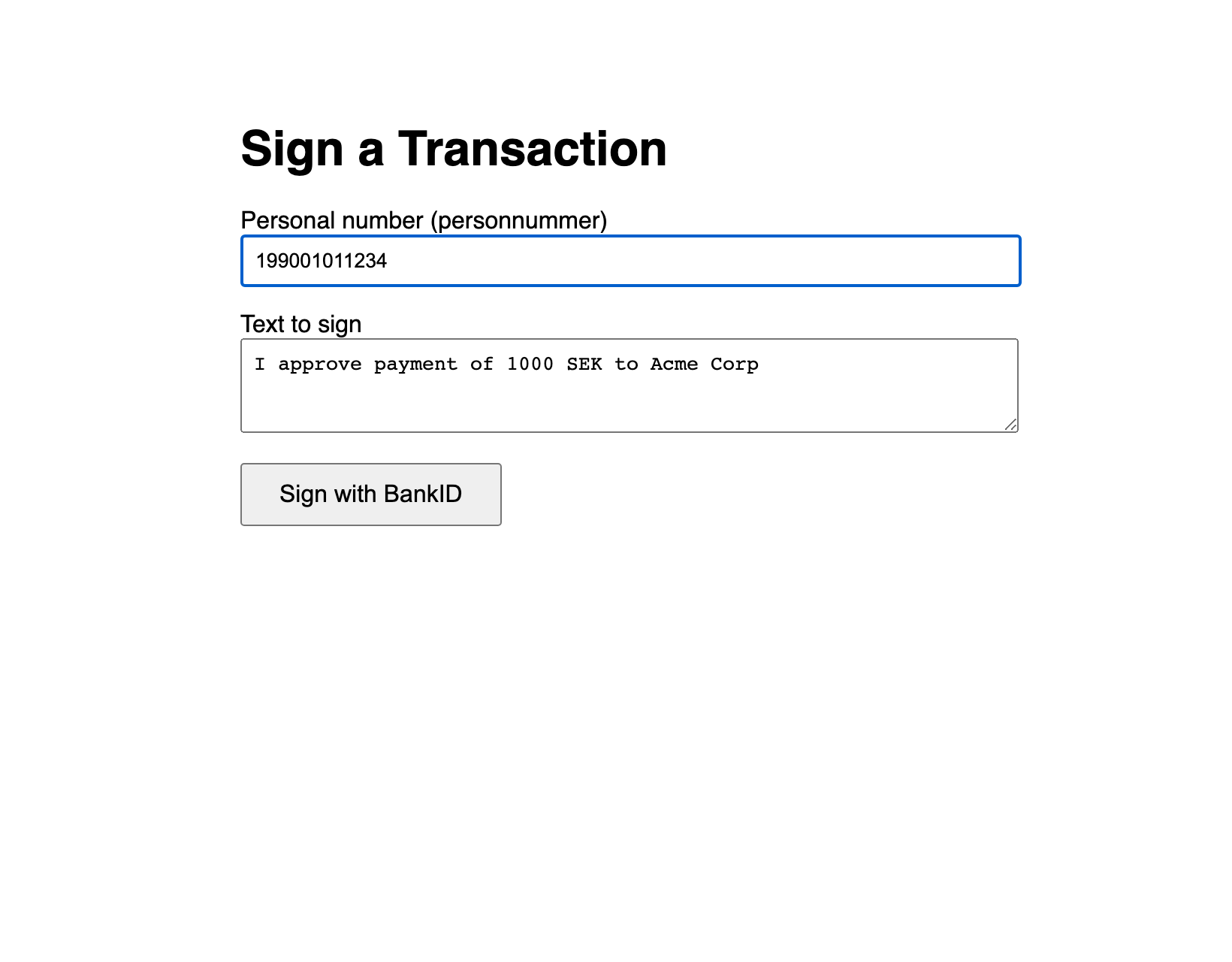
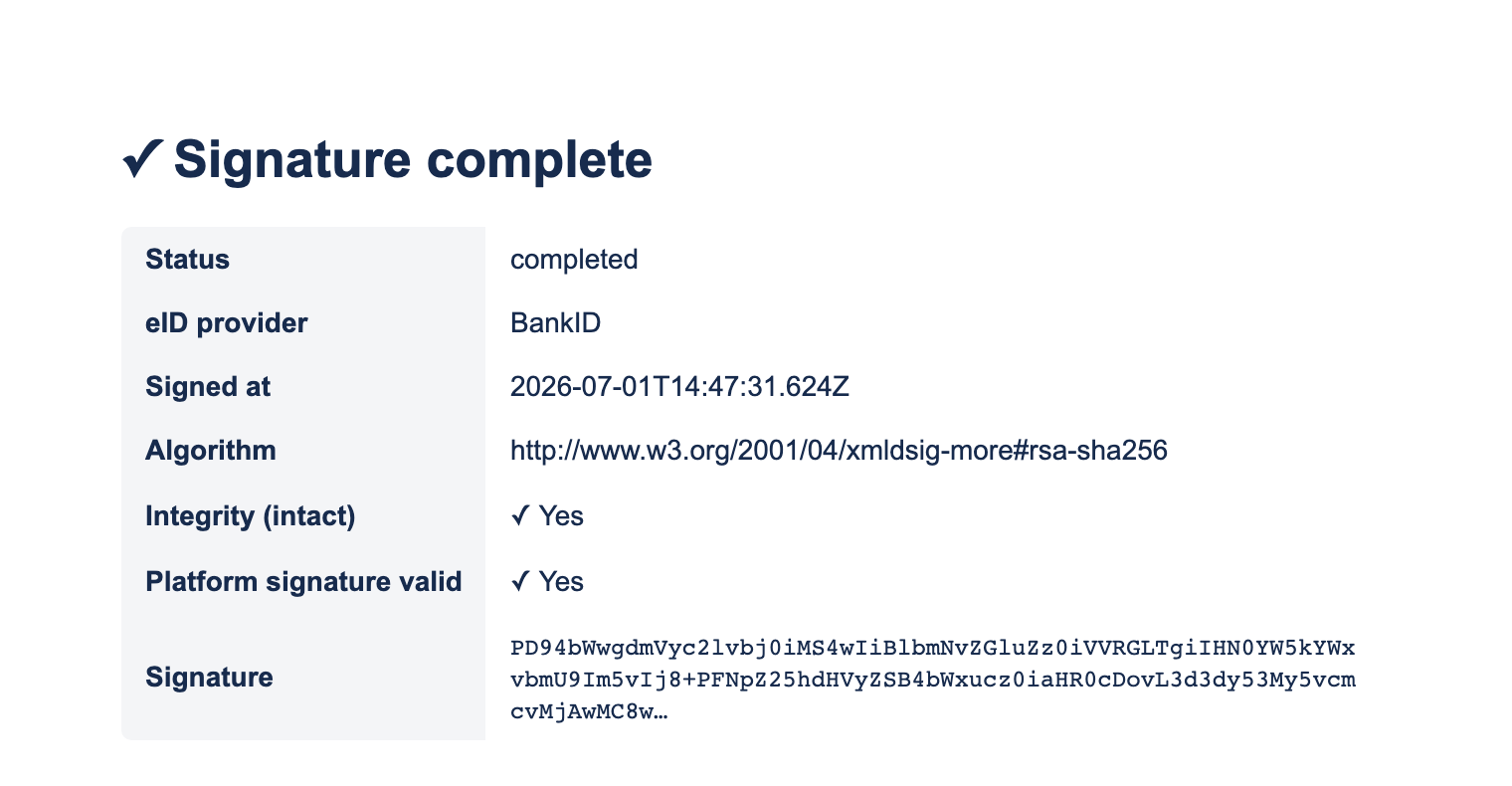
The complete, verified file is ../clients/python-flask/app.py.
Files
python-flask/
  app.py
  requirements.txt   # flask, requests, python-dotenv
  .env.example       # copy to .env
Setup
python3 -m venv venv && source venv/bin/activate
pip install -r requirements.txt
cp .env.example .env      # then edit .env
python app.py             # http://localhost:5001  (5000 is taken by macOS AirPlay)
.env:
DA_BASE_URL=https://oidc.lagerberget.se
DA_CLIENT_ID=your-client-id
DA_CLIENT_SECRET=your-client-secret
APP_URL=https://your-app.example.com
PORT=5001
Key code
Token (cached) then prepare + redirect:
resp = requests.post(f"{API_BASE}/oauth/token", data={
    "grant_type": "client_credentials",
    "client_id": DA_CLIENT_ID, "client_secret": DA_CLIENT_SECRET,
    "scope": "transaction_sign",
})
_token = resp.json()["access_token"]

tbs_data = base64.b64encode(text.encode()).decode("ascii")
result = da_api("POST", "/sign/prepare", {
    "tbsData": tbs_data, "userId": user_id,
    "returnUrl": f"{APP_URL}/sign-done",
})
return redirect(result["signUrl"])
Callback — fetch + verify:
sig = da_api("GET", f"/sign/signatures/{unique_id}")
ver = da_api("GET", f"/sign/verify/{unique_id}")
# render sig.status, sig.eidProvider, sig.createdAt, sig.signatureAlgorithm,
# ver.intact, ver.platformSignatureValid, sig.signatureValue
Reminders
-
Publish the OAuth2 client;
returnUrlmust be HTTPS, registered, notlocalhost. Serve the app over HTTPS in production. -
The user picks Mobilt BankID; the text is shown in the BankID app (SAML SignMessage) and embedded in the signature as
usrVisibleData.