
This article describes a Transaction Signature example for React (Next.js). Runnable source: ../clients/react-nextjs/. Also see Administration Service setup and Transaction Signatures Integration Guide.
A React frontend with Next.js API routes as the backend. DA credentials stay server-side (in lib/da-client.ts and the API routes) and are never exposed to the browser.
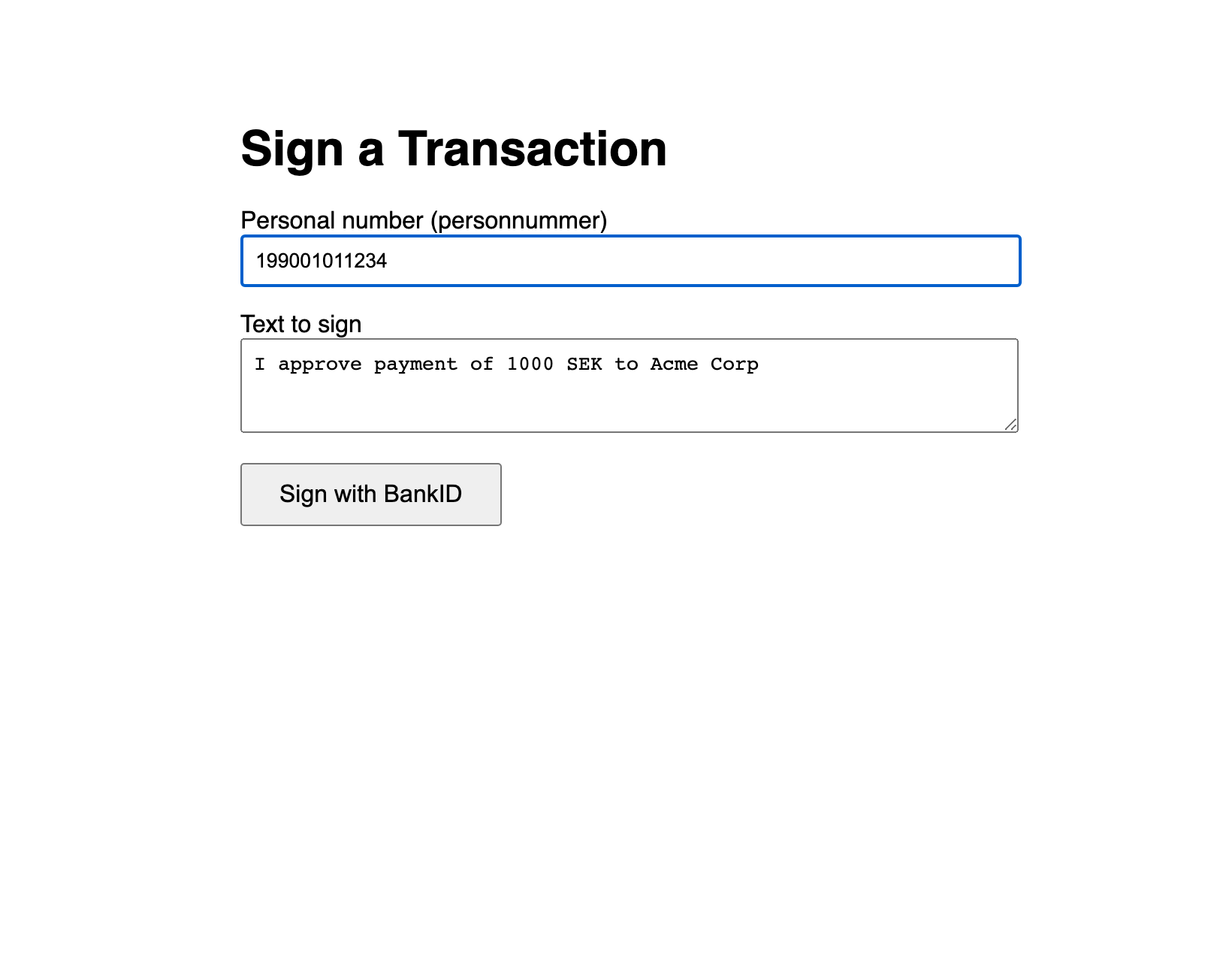
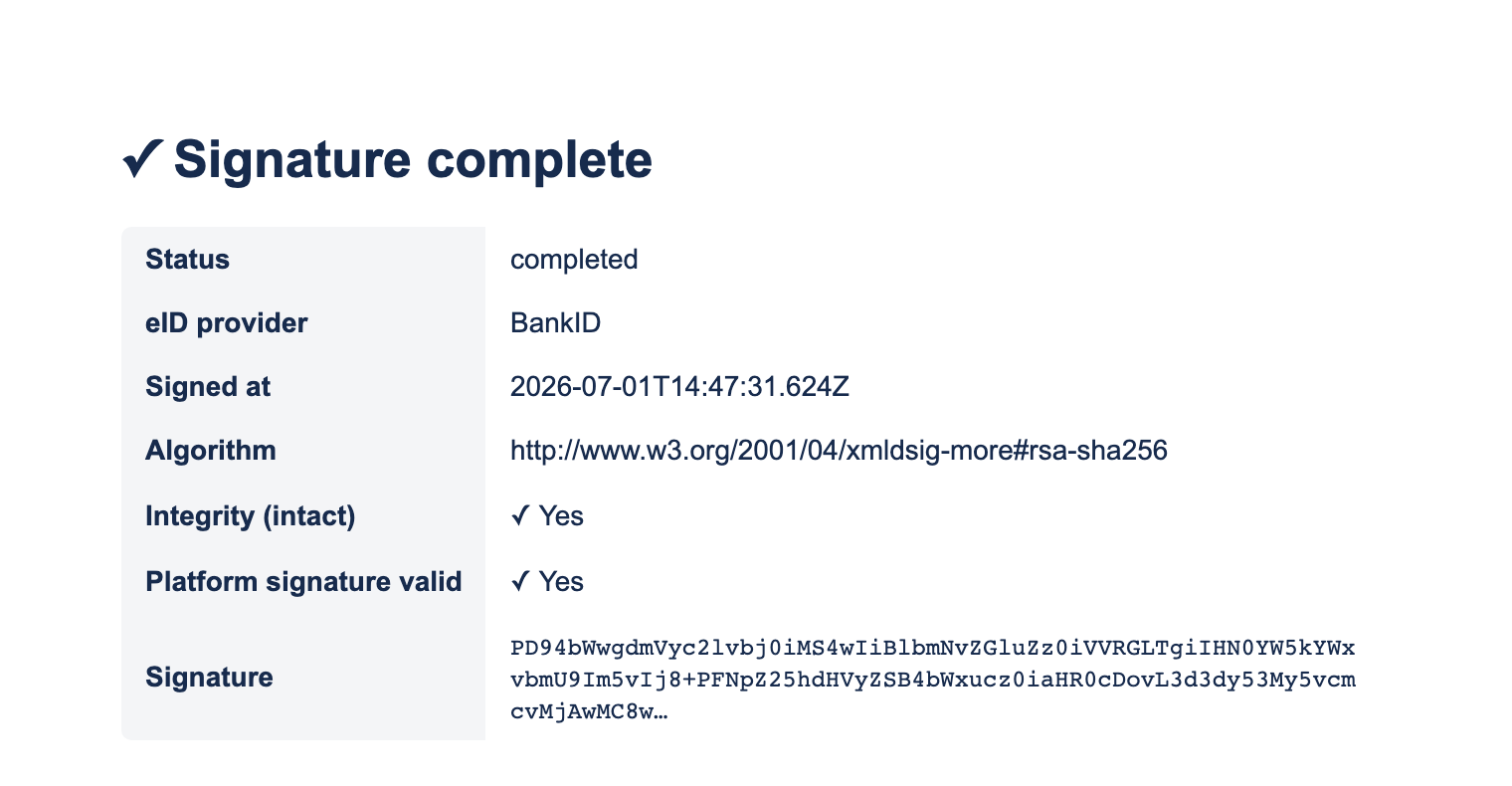
The complete, verified app is in ../clients/react-nextjs/.
Structure
react-nextjs/
  lib/da-client.ts            <-- token cache + DA API calls (server-side)
  app/page.tsx                <-- the sign form (client component)
  app/sign-done/page.tsx      <-- callback page (fetches result)
  app/api/prepare/route.ts    <-- calls DA /sign/prepare
  app/api/signature/route.ts  <-- calls DA /sign/signatures + /sign/verify
  .env.example                <-- copy to .env.local
Setup
npm install
cp .env.example .env.local     # then edit
npm run dev                    # http://localhost:3001
.env.local:
DA_BASE_URL=https://oidc.lagerberget.se
DA_CLIENT_ID=your-client-id
DA_CLIENT_SECRET=your-client-secret
APP_URL=https://your-app.example.com     # returnUrl = APP_URL + /sign-done
Key code
lib/da-client.ts: token cache + prepare:
const tbsData = Buffer.from(tbsText, "utf-8").toString("base64");
const response = await fetch(`${API_BASE}/sign/prepare`, {
  method: "POST",
  headers: { Authorization: `Bearer ${token}`, "Content-Type": "application/json" },
  body: JSON.stringify({ tbsData, userId, returnUrl }),
});
return response.json();   // { uniqueId, signUrl, expiresAt }
app/api/signature/route.ts: fetch + verify, merged for the UI:
const signature = await getSignature(uniqueId);
const verification = await verifySignature(uniqueId);
return NextResponse.json({
  ...signature,
  intact: verification.intact,
  platformSignatureValid: verification.platformSignatureValid,
});
The browser calls /api/prepare, then window.location.href = data.signUrl. After signing, app/sign-done/page.tsx reads ?status=completed&id=... and calls /api/signature?id=... to render the result.
Reminders
-
Publish the OAuth2 client;
returnUrlmust be HTTPS, registered, notlocalhost. Deploy behind HTTPS in production. -
The user picks Mobilt BankID; the text is shown in the BankID app (SAML SignMessage) and embedded in the signature as
usrVisibleData.